Discover
What to Read Next is your personal recommendation queue — Books the app thinks you're likely to finish, each with a plain-language reason and never a bare score.
Read the reason a book is recommended
Every card's reason is built from the same named signals that ranked it, so the sentence can never claim more than the ranking actually knows:
- Community rating — how many romance.io readers voted and where they landed it.
- A very-short-book flag — under 150 pages counts against a recommendation.
- Matching tropes — the ordinary romance.io tags this Book shares with what you finish.
- A trope combination — a pairing your history separates on beyond either tag alone.
- Author history — you've finished this Author before, or walked away from them before.
- Recency — how new the release is.
Positive signals lead with "Because," strongest first; any negative signal follows after "— though." A Book with only a negative signal reads "Careful:" instead, and one with no signal at all — nothing rated, no shared trope, no author history, no date — honestly says No signal on this one yet.
A matching trope is never just named — it carries a readability label for how well-attested
the tag is (widely tagged at ten or more romance.io votes on that tag, community
tagged below that down to three, lightly tagged under three), and it cites a finished
Book of yours as evidence when one is available. A sentence like "Because its enemies to
lovers (widely tagged) matches what you finish, like Harbor Lights, and 900 readers put it at
4.4★ — though it's only 120 pages" draws on three of the six signals at once. The same Book
title is never cited twice in one sentence — a later clause either names a different Book or
drops the citation. Content-warning tags, and misogyny specifically, still affect the score
but never appear as a positive reason.
A trope clause needs history to exist at all. The 30-Book bar behind "significant" counts only finished-or-Did-not-finish Books that are standalones or series openers — a sequel never adds to it, however many you finish — so it clears fastest for a reader who ranges across many different series, and can stay out of reach indefinitely for one who mostly reads deep into a few. Below the bar, the sentence leans entirely on rating, length, author history, and recency; that's expected on a newer account, but if your history is mostly sequels, more reading alone won't necessarily change it. The queue in this guide's own example account has only a couple of finished Books, so its screenshots below show exactly that case. The very first time your queue is ever built you may also see a shorter placeholder reason (rating and page count only) while the full ranking pass finishes in the background; every refresh after that — nightly, or the moment you choose Get more — replaces it with the complete explanation above.
Desktop
- Choose Discover in the header.
- Read the sentence under a recommended Book before you open it — opening it removes it from the queue, because you've now considered it.
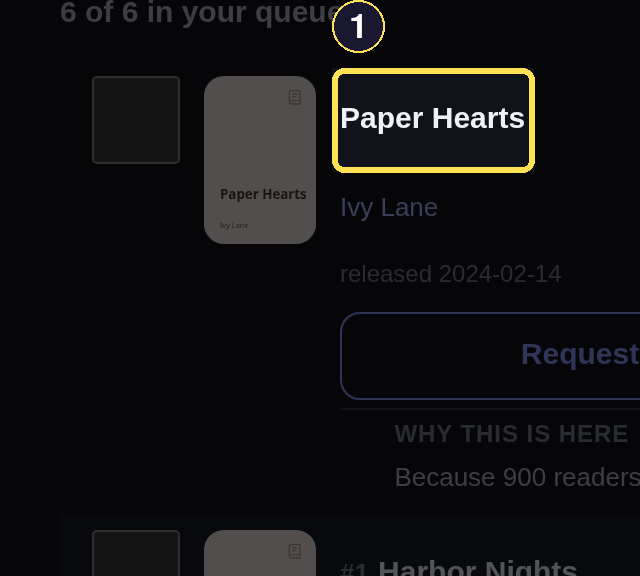
- Paper Hearts, one Book in your recommendation queue.
Phone
- Choose the always-visible Discover tab in the bottom tab bar.
- Read the sentence under a recommended Book before you open it — opening it removes it from the queue, because you've now considered it.
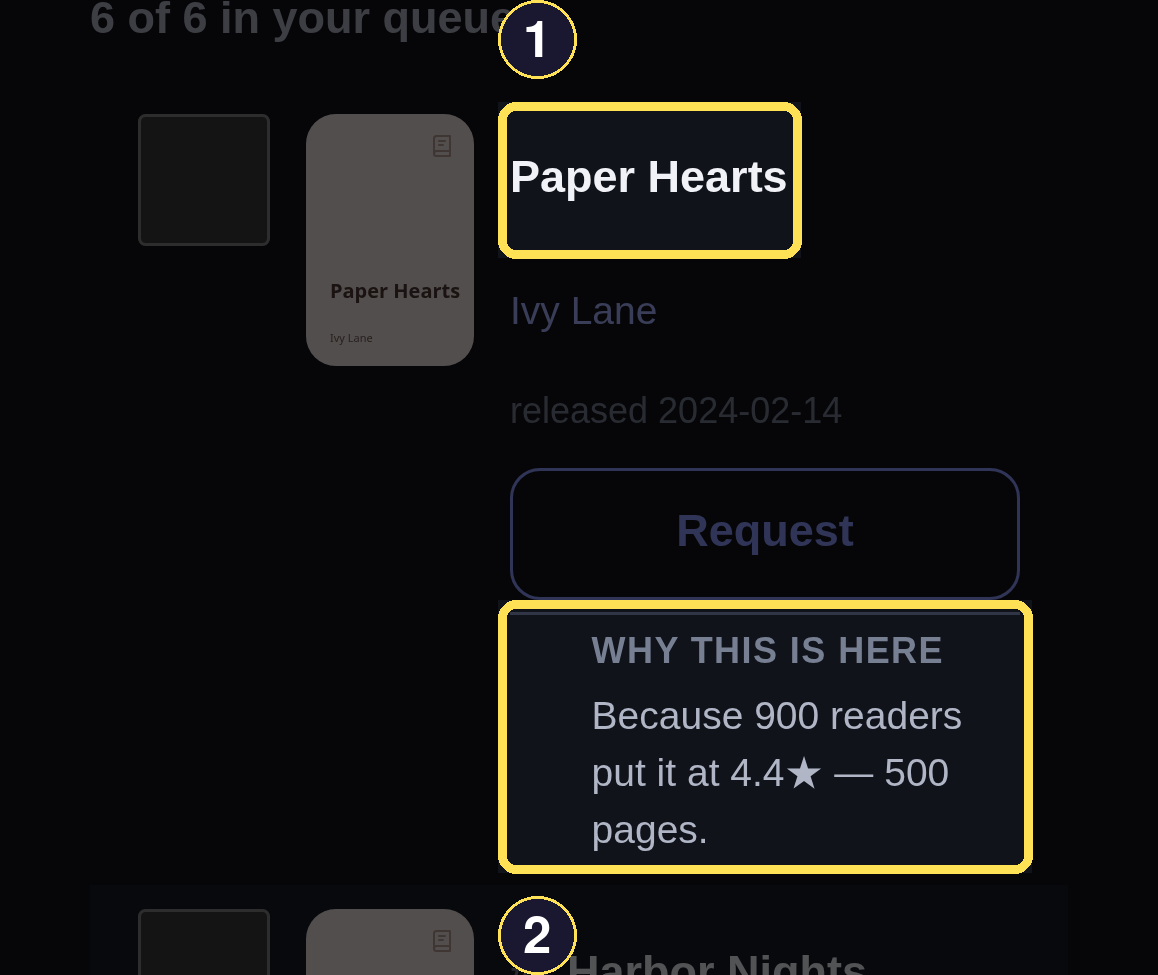
- Paper Hearts, one Book in your recommendation queue.
- The reason names concrete evidence for this rank — never a bare score.
Narrow the queue with filters
Filtering only narrows the existing ranked order; it never re-ranks, so what you see under a filter is the same judgment you see without one.
Desktop
- Use Search for a title or author, the Trope picker (the same one Library uses) for a tag, Match for whether every selected trope must be present or just one, Rating for a star floor, and Length for Short, Medium, or Long by page count — all shown inline above your queue, with no sheet to open — then choose Apply filters.
- A search this specific can honestly match nothing — Discover then says Nothing matches those filters instead of showing a blank page.
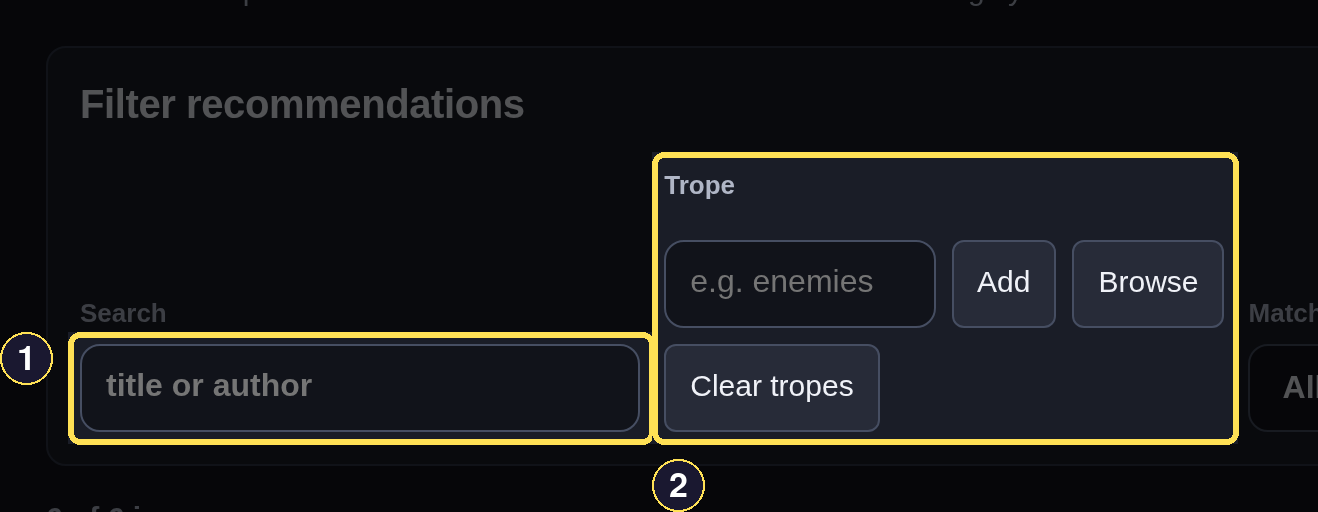
- Search matches a title or an author's name.
- The Trope picker narrows by tag, the same picker Library uses.
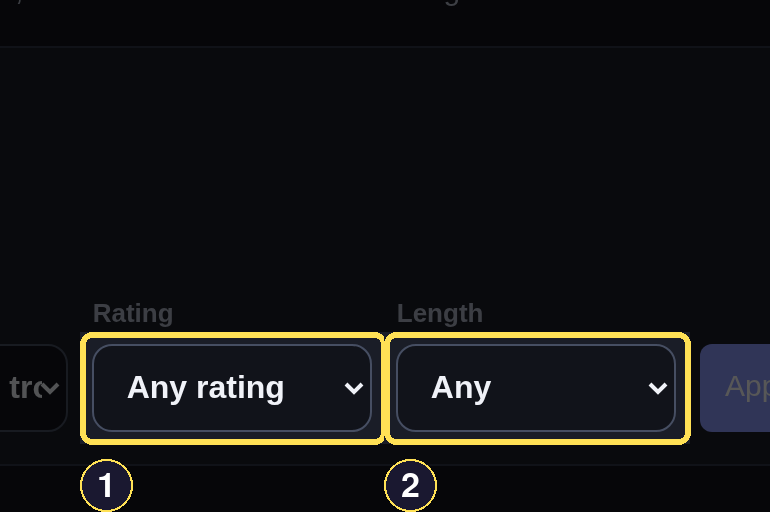
- Rating keeps only Books at or above a star floor.
- Length keeps only Short, Medium, or Long Books by page count.
Phone
- Choose Filters to open the Filters sheet.
- Use Search for a title or author, the Trope picker (the same one Library uses) for a tag, Match for whether every selected trope must be present or just one, Rating for a star floor, and Length for Short, Medium, or Long by page count.
- Choose Apply filters to narrow the queue, or the × to close the sheet without changing anything.
- A search this specific can honestly match nothing — Discover then says Nothing matches those filters instead of showing a blank page.
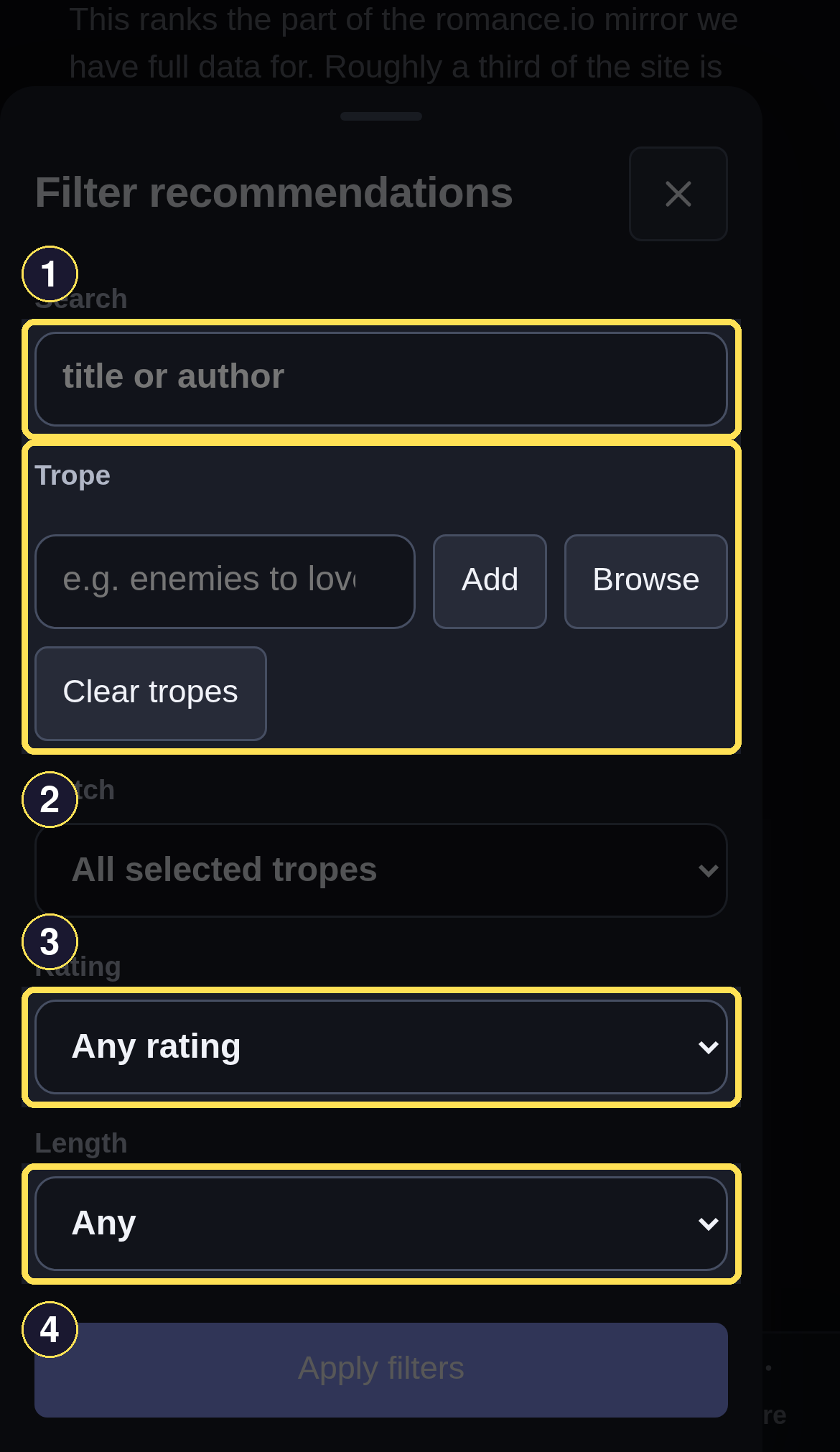
- Search matches a title or an author's name.
- The Trope picker narrows by tag, the same picker Library uses.
- Rating keeps only Books at or above a star floor.
- Length keeps only Short, Medium, or Long Books by page count.
The page also states its own coverage honestly: "This ranks the part of the romance.io mirror we have full data for. Roughly a third of the site is still unfetched, so some candidates are missing."
Dismiss a recommendation
A recommendation leaves your queue two ways. Opening its Book page dismisses it automatically — you've now looked at it, so the app stops holding it in front of you. The second way is deliberate and works on several at once:
Desktop
- Tick the checkbox on any cover you don't want to see again — it does not remove the Book by itself.
- Choose Dismiss selected to clear every ticked Book from the queue in one action.
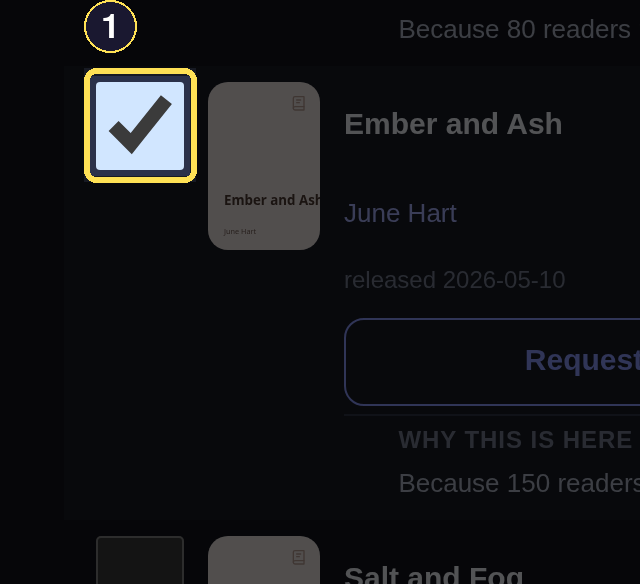
- Tick a cover's checkbox to mark it for Dismiss selected — this alone does not remove it yet.

- Dismiss selected clears every ticked Book from your queue at once.
Phone
- Tick the checkbox on any cover you don't want to see again — it does not remove the Book by itself.
- Choose Dismiss selected to clear every ticked Book from the queue in one action.
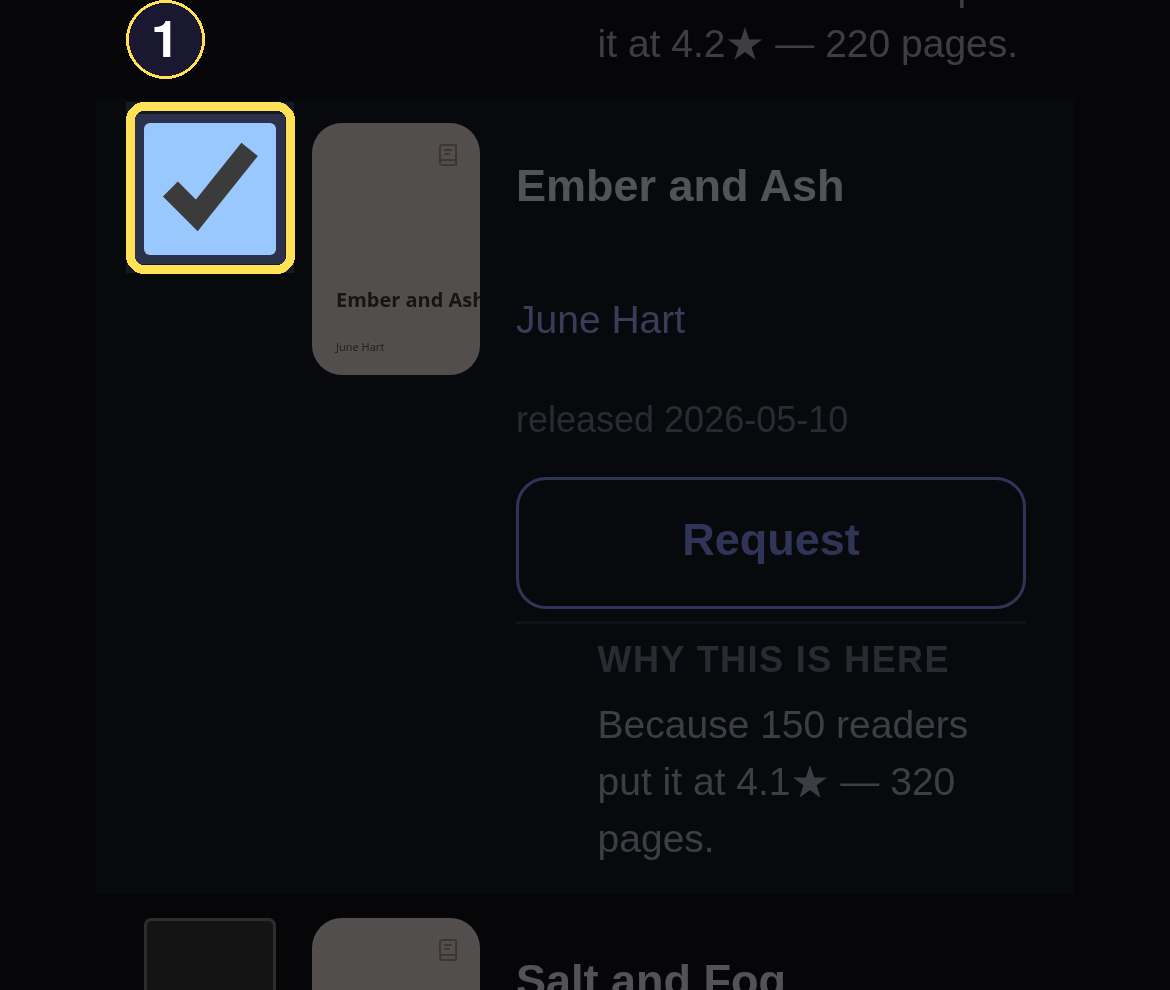
- Tick a cover's checkbox to mark it for Dismiss selected — this alone does not remove it yet.
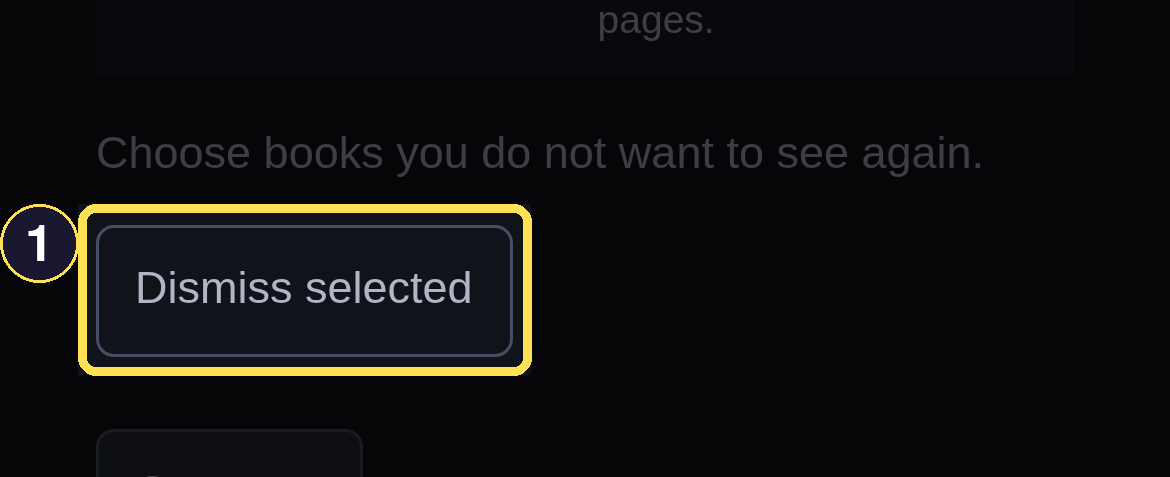
- Dismiss selected clears every ticked Book from your queue at once.
Both paths feed back into the ranking: a dismissed Book is read as a soft "not for me," the same way a Did Not Finish already is.
Ask for more with Get more
Desktop
- Choose Get more to top your queue back up toward its cap. It refills to the cap rather than adding a fixed batch, so pressing it twice in a row does not double-add.
- If your queue is already at the cap, Discover says so plainly — "Your queue is already full — dismiss a few and press again" — rather than pretending it added zero silently.
- Get more tops your queue back up to its cap — it never adds a fixed batch.
Phone
- Choose Get more to top your queue back up toward its cap. It refills to the cap rather than adding a fixed batch, so pressing it twice in a row does not double-add.
- If your queue is already at the cap, Discover says so plainly — "Your queue is already full — dismiss a few and press again" — rather than pretending it added zero silently.
- Get more tops your queue back up to its cap — it never adds a fixed batch.
Because Get more runs the same full ranking pass the nightly refresh does, it can also rewrite the reasons already sitting in your queue with the complete, six-signal version — even on a call that reports the queue as already full.