Reader Glossary
These are the words the app itself uses — for the shared Library, your personal Shelf, and the actions you take on a Book, Author, or Series. Every entry links to the article that walks through it.
Where these terms live on screen
Desktop
The header navigation is where Shelf and Library live as separate destinations:

- Shelf is your personal presentation of reading and saved Books.
- Library is the shared Books your household has Acquired.
A Book's action bar states ownership in exactly one place. Here it's owned:
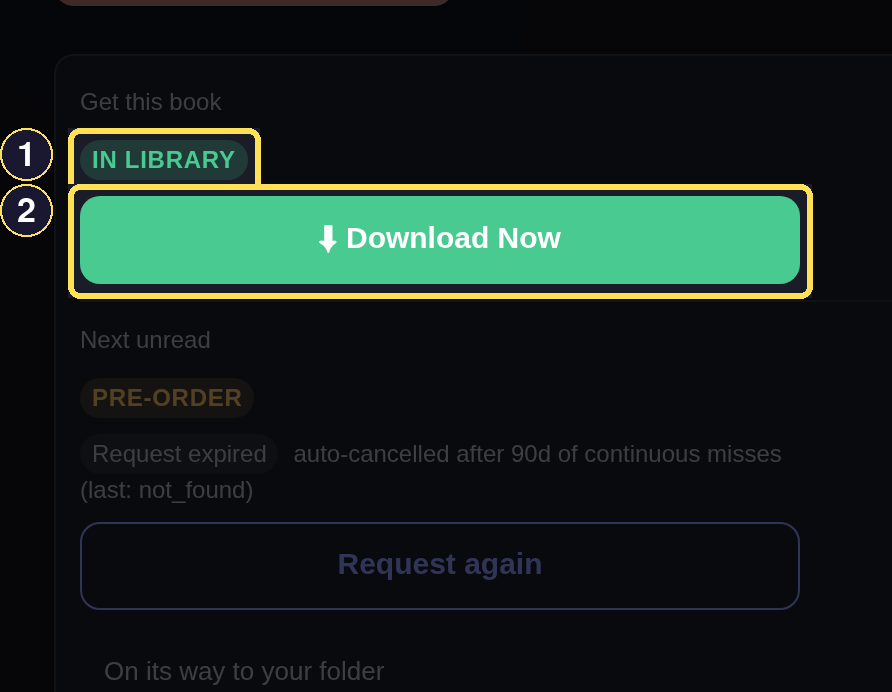
- In Library marks a Book that already has a file.
- Checkout saves that file to your device.
The same control on a Book the Library doesn't have yet offers Request instead:
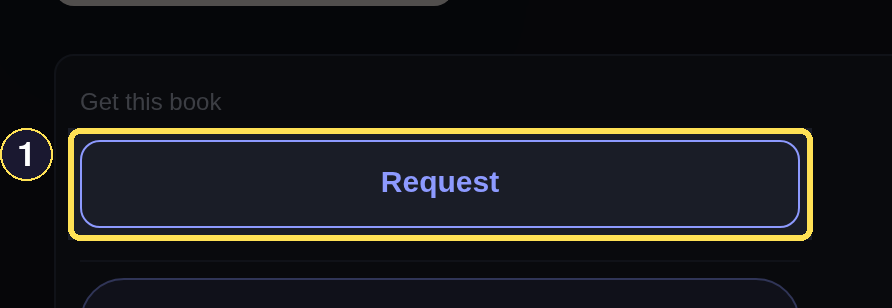
- Request is what you choose for a Book the Library doesn't have yet.
Watch releases and Bookmark sit together on an Author or Series page:
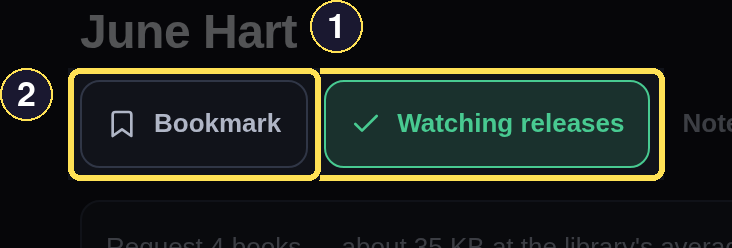
- Watching releases is active — this reader already gets alerts for this Author.
- Bookmark would add this Author to a separate personal list.
Phone
The bottom tab bar is where Shelf and Library live as separate destinations:
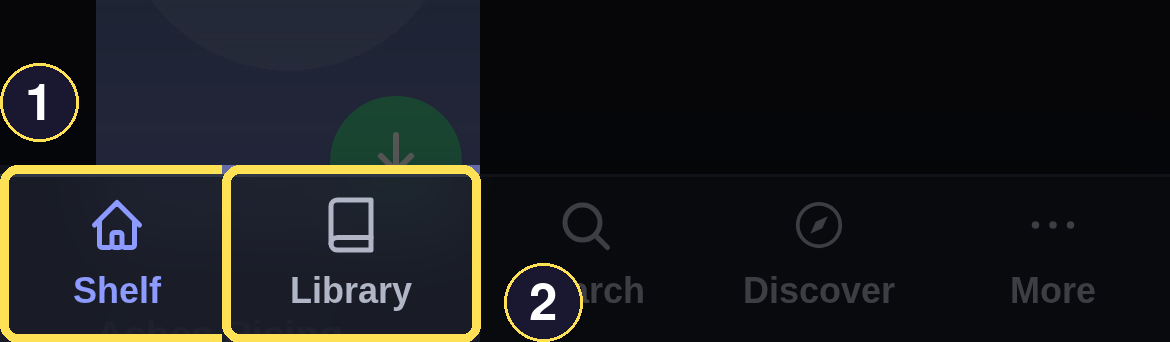
- Shelf is your personal presentation of reading and saved Books.
- Library is the shared Books your household has Acquired.
A Book's action bar states ownership in exactly one place. Here it's owned:
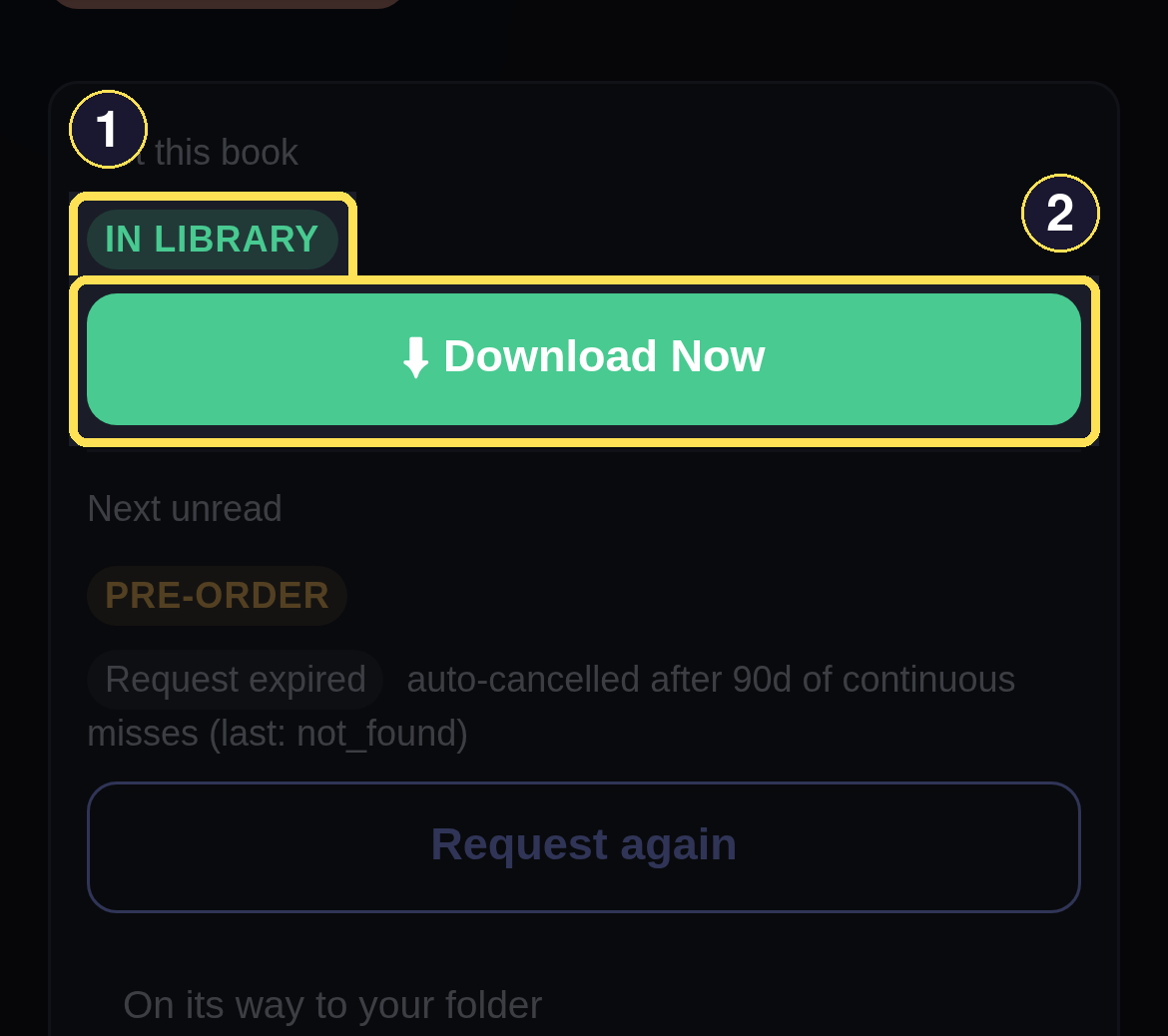
- In Library marks a Book that already has a file.
- Checkout saves that file to your device.
The same control on a Book the Library doesn't have yet offers Request instead:
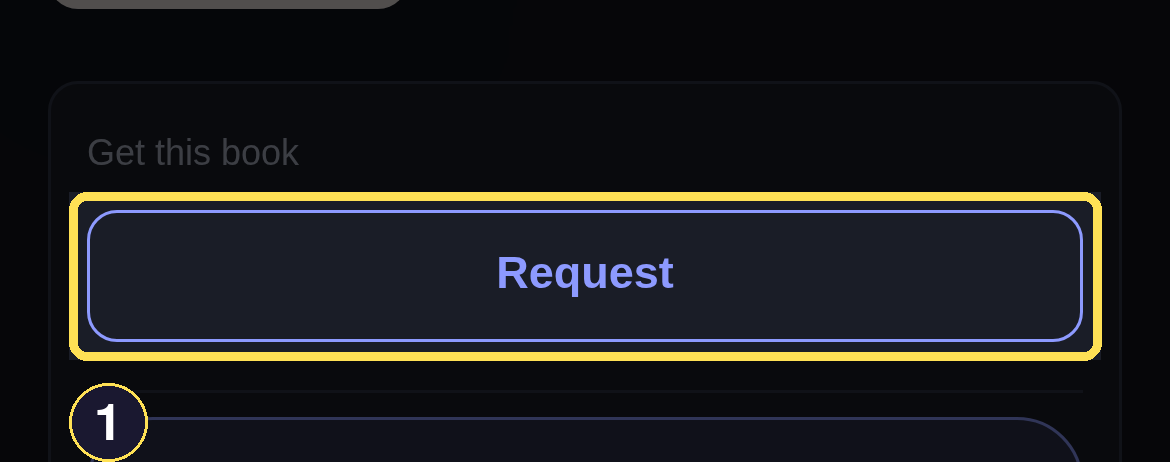
- Request is what you choose for a Book the Library doesn't have yet.
Watch releases and Bookmark sit together on an Author or Series page:
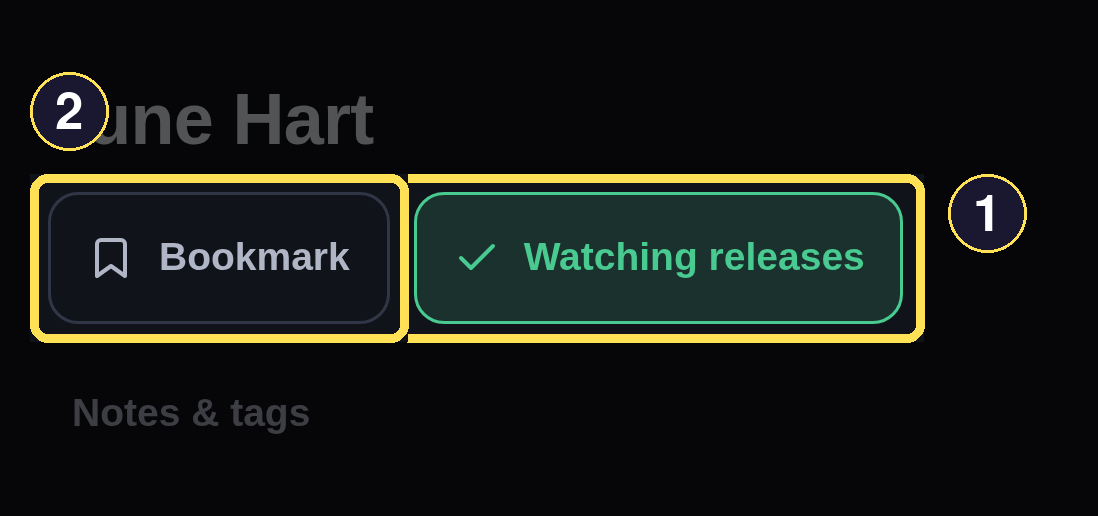
- Watching releases is active — this reader already gets alerts for this Author.
- Bookmark would add this Author to a separate personal list.
Terms, A to Z
- Acquire — The app retrieving a Book's file into the one shared Library, triggered by a Request. It's the middle of three separate steps: Request → Acquire → Checkout. See Request Books and Series.
- Bookmark — A passive save on a Book, Author, or Series. It only adds the item to your Bookmarks list — no notifications, no refresh change. See Bookmarks and Watch Releases.
- Catalog — Every Author, Series, and Book the app has metadata for, whether or not anyone has Acquired a file for it. See Find a Book.
- Checkout — The Book-page or Library control you choose to save an Acquired Book's file to your device. It's the last of three separate steps: Request → Acquire → Checkout. See Library, File Shares, and Downloads.
- Currently Reading — The badge and Shelf section for a Book with an open reading cycle. A Book can be Currently Reading and Read at the same time, during a reread. See Track Reading.
- Did not finish (DNF) — The current result for a Book you started but stopped, set from Done reading. DNF clears any star Rating already on that Book. See Track Reading.
- Discover — A feed of Books picked from your reading history and tastes, filterable by trope, length, and more. See Discover.
- Done reading — The Book-page control where you record a verdict: Finished or Did not finish. See Track Reading.
- Download — What your browser does with a file once you choose Checkout: saves it to your device, or hands it to a reader app. Distinct from Acquire, which happens on the server, not your device. See Library, File Shares, and Downloads.
- File Share — The iCloud and Google Drive folders that mirror the Library, so you can browse and download files in a plain folder view. See Library, File Shares, and Downloads.
- Getting series — What a whole-Series Request shows while its Books are still being Acquired. It becomes Ready once every member has arrived, or All settled if some were deferred, failed, or cancelled. See Request Books and Series.
- In Library — The badge on a Book that already has a file, so anyone can check it out instead of Requesting it. See Library, File Shares, and Downloads.
- Library — The subset of the Catalog with an Acquired file. There is one shared Library — a Book anyone Acquires is immediately available to everyone. See Library, File Shares, and Downloads.
- List — The earlier name for what a personal manual Shelf or Saved Search does now. See Shelf below.
- Notification — A permanent record of a meaningful event on your account — a ready Book, a new release, a request outcome. See Notifications.
- Pre-order — What a Request on an unreleased Book becomes: Pre-ordered — we'll grab it at release, tried again automatically once it's out. See Request Books and Series.
- Rating — Your 1–5 star evaluation of a Book. A Series or Author is evaluated through tags, comment, and DNF instead — any star shown there is only derived from its Books. See Track Reading.
- Reading status — The choice for your current, open reading cycle on a Book: Reading, Read, or Did not finish. It sets only that one cycle — a Book can carry a permanent Read badge through a later reread, and Currently Reading, Read, and DNF are independent facts, never one mutually exclusive state. See Track Reading.
- Request — Your instruction to try to Acquire a Book. It's the first of three separate steps: Request → Acquire → Checkout. See Request Books and Series.
- Search — The tab that looks up Books, Authors, and Series already in the Catalog by name. See Navigate the App.
- Series status — The derived summary of a Series' reading progress, computed from your independent per-Book reading facts — never set directly. See Track Reading.
- Shelf — Your personal collection hub. It groups manual collections and Saved Searches you create with a set of automatic views built from your reading activity — each one its own page, not a section of one long dashboard. See Use Your Shelf.
- Tag — A personal
#kebab-caselabel on a Book, Series, or Author. A Series tag cascades to its member Books; an Author tag does not. See Track Reading. - Ticket — One unit of shared download quota, spent only when an Acquire succeeds. The pool is shared by everyone and refills on its own as provider capacity rolls over. See Request Books and Series.
- Watch releases — An active subscription to an Author's or Series' future releases — never a single Book. It never Acquires anything on its own; it only notifies you and surfaces new releases on your Shelf. See Bookmarks and Watch Releases.